
Table of Contents
- What a Forex VPS Actually Does for Automated Trading
- Forex VPS Latency: How Milliseconds Shape Execution Speed
- MT5 Automated Trading Requirements: What Your Setup Needs
- VPS vs Home Computer for Trading: A Side-by-Side Look
- Running Expert Advisors and Trading Bots Without Interruption
- Security Hardening: Protecting Your Trading Accounts and Data
- The Real Cost of a Forex VPS: ROI and What to Weigh
- Frequently Asked Questions
Last Updated: September 16, 2026
What a Forex VPS Actually Does for Automated Trading
One of the key benefits of using VPS for automated forex trading is that a remote virtual server runs your trading platform continuously, independent of your home computer or local internet connection. For traders using Expert Advisors, this means your strategies execute around the clock without interruption.
The core benefit is straightforward: your MT4 or MT5 terminal stays online 24/7, hosting your EAs and trading bots on infrastructure built for uptime. EZMT5 has built its systems around this reality, because automated trading only works when the platform never sleeps.
At its foundation, a VPS solves three problems at once. It removes your home internet from the execution chain. It keeps your machine from becoming a single point of failure. And it places your platform in a data center physically close to your broker’s servers, which matters more than most traders realize.
That last point is where latency enters the picture.
Forex VPS Latency: How Milliseconds Shape Execution Speed
Latency is the time it takes for your trade order to travel from your platform to your broker’s server and back. In automated trading, this delay directly affects execution speed and slippage.
A Forex VPS reduces latency by colocating your platform near your broker’s data center. The physical distance between servers shrinks, and so does the round-trip time. For scalping strategies or news-event EAs, a few milliseconds can separate a filled order from a missed entry.
How to Test Your VPS Latency Before You Commit
Run a ping test from the VPS to your broker’s server IP before you commit to a provider. Most VPS vendors offer a trial or a test IP you can ping from your own machine first.
Here’s a practical sequence:
- Ask the provider for their data center location and a test IP
- Ping that IP from your current setup and record the average round-trip time
- Compare it against the provider’s advertised latency to your broker
- Run the test at different times of day to catch congestion patterns
Ping your broker’s actual trade server, not their website. The two often sit in different data centers, and the difference in round-trip time can be significant.
If a provider won’t share a test IP, that’s a signal. Reputable hosts publish this information because latency is the entire point of the product.
MT5 Automated Trading Requirements: What Your Setup Needs
MT5 automated trading requirements come down to four resources: CPU, RAM, SSD storage, and stable connectivity. MetaTrader 5 is more resource-hungry than MT4, especially when you run multiple EAs or backtest simultaneously.
A practical baseline for a single MT5 instance running a few EAs:
| Resource | Minimum | Comfortable |
|---|---|---|
| CPU | 2 cores | 4 cores |
| RAM | 4 GB | 8 GB |
| Storage | 40 GB SSD | 80 GB SSD |
| Connection | Stable broadband | Low-latency data center link |
The platform itself runs on modest hardware. The variables are how many charts you keep open, how many EAs run at once, and whether you backtest on the same machine. Backtesting is CPU-intensive, and it competes with live execution for the same resources.
Running heavy backtests on the same VPS as your live EAs can cause execution delays. Schedule backtests for weekends or use a separate instance.
VPS vs Home Computer for Trading: A Side-by-Side Look
The VPS vs home computer for trading comparison usually comes down to one question: what happens when your power or internet drops? A home setup fails with both. A VPS keeps running.
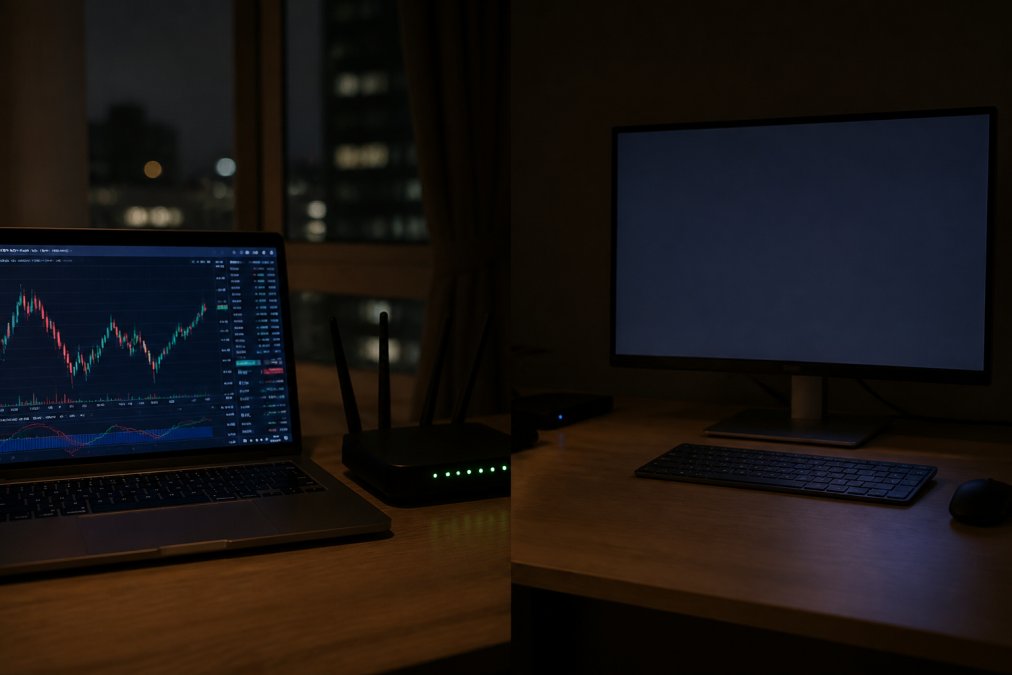
Beyond uptime, the differences stack up:
- Power and internet: Home setups depend on local utilities. A VPS depends on data center redundancy.
- Latency: A home connection routes through your ISP. A VPS sits near your broker.
- Hardware wear: Your PC runs 24/7 and ages faster. The VPS hardware is the provider’s problem.
- Access: You reach a VPS from any device via remote desktop protocol, including a phone or tablet. (Source: the Securities and Exchange Commission (SEC))
The trade-off is cost and control. A home computer is free if you already own it. A VPS is a recurring expense, and you’re trusting a provider with your platform’s uptime.
Running Expert Advisors and Trading Bots Without Interruption
Expert Advisors and trading bots only perform as designed when the platform stays online. An interruption mid-trade can leave a position unmanaged, with no stop adjustment and no exit logic running.
This is where the benefits of using VPS for automated forex trading really show. The platform holds its connection to the broker, the EA keeps monitoring conditions, and your automated trading continues through the night, through power outages at home, and through the moments you can’t watch the screen.
Server stability matters here. A provider that oversells its hardware or throttles CPU can cause the same delays you were trying to escape. Look for providers that guarantee dedicated resources rather than shared ones.
EZMT5’s systems are built to run on this kind of always-on infrastructure, so your strategies execute with precision whether you’re at the desk or asleep.
Security Hardening: Protecting Your Trading Accounts and Data
Security hardening for a trading VPS follows the same principles as any remote server: reduce the attack surface, control access, and monitor what happens.
Start with these measures:
- Change the default administrator password immediately after setup
- Enable a firewall and allow only the ports your platform needs
- Use strong, unique credentials for both the VPS and your broker account
- Disable unused services and remote access methods
- Keep the operating system and platform updated
Cybersecurity for trading accounts is not optional. A compromised VPS can expose your broker credentials, your positions, and your funds. The Cybersecurity and Infrastructure Security Agency guidance on securing remote access outlines baseline practices that apply directly to trading servers.
Two-factor authentication on your broker account adds a second layer. Even if credentials leak, the attacker still needs the second factor.
The most common VPS breach isn’t sophisticated. It’s a weak password or an open remote desktop port. Fix those two things first.
The Real Cost of a Forex VPS: ROI and What to Weigh
A Forex VPS costs money every month, so the honest question is whether it pays for itself. The answer depends on what downtime costs you.
If a missed trade or an unmanaged position costs more than the monthly fee, the VPS is cheap insurance. For traders running multiple EAs across accounts, the math usually favors it. For someone testing a single strategy on a demo account, a home computer is fine.
Weigh these factors:
- Number of strategies running: More EAs mean more reason to keep the platform live
- Account size: Larger positions make execution quality and slippage more expensive
- Strategy type: Scalping and news strategies benefit most from low latency
- Your schedule: If you can’t monitor trades during market hours, automation needs a host
Pricing for VPS providers varies by resources and location, so check current rates directly with whichever provider you’re considering. The right question isn’t the cheapest option, it’s the one that keeps your automated trading running without gaps.
For traders who want the strategy side handled as well, EZMT5 offers 11 fully built MT5 systems with two changeable license keys each, all on a no-contract subscription.
Automated trading only works when the infrastructure underneath it holds. Power outages, dropped connections, and high latency quietly erode results, and most traders don’t notice until a position goes unmanaged. EZMT5 gives you the strategy layer with 11 professional MT5 systems and TradingView indicators, plus all future systems, so you can focus on execution instead of setup. With two license keys per system, no contracts, and instant access after download, you can start trading like a pro right away. Get started with EZMT5 and put your automation on infrastructure that never blinks.
Frequently Asked Questions
How does a VPS improve execution speed for automated trading?
A forex VPS places your trading platform in the same data center as your broker’s servers, cutting the physical distance your orders travel. That reduces ping from tens or hundreds of milliseconds on a home connection to single digits. Lower latency means less slippage, tighter fills, and faster reactions to market volatility, which matters most for scalping strategies and high-frequency expert advisors.
Is a VPS necessary for running MT5 expert advisors?
Not strictly necessary, but strongly recommended. MT5 automated trading requirements include a machine that stays powered, connected, and stable around the clock. A home computer can work, but power outages, Windows updates, and dropped Wi-Fi interrupt EAs mid-trade. A VPS keeps your expert advisors running 24/7 without depending on your home setup.
Does a VPS protect against power and internet outages during trading?
Yes. A VPS runs in a professional data center with backup power, redundant network connections, and physical security. Your home power cut, router reboot, or ISP outage no longer stops your trading bots. The platform and any open positions stay managed on the server, and you reconnect from any device when your local connection returns.
What are the security advantages of using a VPS for forex trading?
A VPS isolates your trading platform from your personal devices, so malware on your home PC cannot reach your broker credentials. You control access through remote desktop protocol with a unique password, and can enable a firewall and restrict IP addresses. Data center cybersecurity policies add another layer that most home networks do not have, reducing exposure to keyloggers and phishing.