
Table of Contents
- What Makes the Best Automated Trading Software Worth Using
- Quick Comparison: Top Automated Trading Platforms at a Glance
- 1. EZMT5, Best for Instant Access to Professional MT5 Trading Systems
- 2. MetaTrader 4 and MetaTrader 5, Best for Algorithmic Trading Flexibility
- 3. TradingView, Best for Charting Tools and Cloud-Based Alerts
- 4. TrendSpider, Best for AI-Assisted Technical Analysis
- 5. QuantConnect and TradersPost, Best for Backtesting and No-Code Bots
- How to Choose the Best Automated Trading Software for Your Goals
- Conclusion
Last Updated: May 8, 2026
Choosing the best automated trading software is one of the most consequential decisions a trader makes, and getting it wrong costs real money. This guide from EZMT5 breaks down the top platforms for 2026, from fully built MT5 systems to no-code bots, so you can match the right tool to your actual trading goals. Below, we cover exactly what separates professional-grade platforms from overpriced noise, and why most traders pick the wrong tool for the wrong reasons.
Here is what most comparison guides get wrong: they rank platforms by feature count instead of by how quickly a trader can go from signup to live execution. A platform with 200 indicators is worthless if setup takes three weeks. The platforms that actually deliver results are the ones built for speed, precision, and flexibility from day one.
What Makes the Best Automated Trading Software Worth Using
Automated trading software is a platform or system that executes trades on financial markets based on predefined rules, algorithms, or signals, removing the need for manual order entry and allowing traders to act on opportunities in real time. The best platforms do more than execute orders. They handle strategy execution, risk management, and real-time data feeds without requiring a computer science degree to operate.

The real dividing line between good and mediocre automated trading platforms comes down to three things: how fast you can deploy a working strategy, how well the platform handles risk management, and whether it connects reliably to your broker. Everything else is secondary.
According to the Financial Industry Regulatory Authority’s guidance on algorithmic trading, traders using automated systems must still maintain oversight of their strategies, which means your platform needs clear P&L reporting and easy stop loss controls, not just a sleek interface.
Key Features to Evaluate Before You Commit
Before committing to any automated trading platform, check these criteria against your actual workflow:
- Strategy execution speed: Does the platform execute trades in milliseconds, or does latency eat into your entries and exits?
- Backtesting capability: Can you test your strategy against historical market data before risking capital?
- Broker compatibility: Does the platform connect to your existing broker via APIs or direct integration?
- Risk management tools: Are stop loss and take profit settings automated and adjustable per trade?
- Market coverage: Does the platform support your preferred markets, whether forex trading, crypto trading, stock trading, or futures trading?
- Customization depth: Can you modify algorithms, or are you locked into preset strategies?
- Paper account support: Can you run a paper account to test strategies without real money?
Before signing up for any platform, run at least two weeks of backtesting on your primary strategy. Platforms that restrict backtesting to short windows are hiding something about their historical performance data.
Common Mistakes Traders Make When Choosing a Platform
The most common mistake is choosing a platform based on marketing rather than mechanics. Traders see impressive charting tools and assume the execution engine is equally strong. Often, it is not.
A second mistake is ignoring licensing restrictions. Many platforms only allow one active license per strategy, which locks you out if you want to run the same system on two different broker accounts. This is a practical problem that surfaces immediately after signup.
The third mistake is skipping the no-contract check. Locking into a 12-month contract for software you have not tested live is a fast way to lose money before you ever place a trade.
Quick Comparison: Top Automated Trading Platforms at a Glance
The table below gives you a fast side-by-side view of the top platforms covered in this guide. Use it as a starting point, then read the detailed sections for the full picture.
| Platform | Best For | Key Feature | Contract Required | Market Coverage |
|---|---|---|---|---|
| EZMT5 | Instant MT5 system access | 11 built systems, 2 license keys | No, monthly | Forex, stocks, futures |
| MetaTrader 4 / MT5 | Algorithmic flexibility | MQL scripting, EA support | No | Multi-market |
| TradingView | Charting and cloud alerts | Pine Script, webhooks | No | Multi-market |
| TrendSpider | AI technical analysis | Automated trendlines, ML models | No | Stocks, forex |
| QuantConnect / TradersPost | Backtesting, no-code bots | Open-source algorithms, webhooks | No | Stocks, crypto, futures |
1. EZMT5, Best for Instant Access to Professional MT5 Trading Systems
Most automated trading platforms make you build your strategy from scratch. EZMT5 takes the opposite approach: every system is fully built, optimized, and ready to run immediately after download.
EZMT5 gives traders instant, unlimited access to 11 professional MT5 Trading Systems and TradingView indicators, plus every future system added to the library. That last part matters more than it sounds. Most subscription services charge separately for new releases. With EZMT5, future systems are included automatically, so your subscription grows in value over time without costing more.
What stands out most is the two license keys per system, both changeable at any time. This is rare. It means you can run the same strategy on two different broker accounts simultaneously, or swap brokers without losing access. For active traders managing multiple accounts, this flexibility alone justifies the subscription.
The no-contract monthly model removes the commitment risk entirely. If the systems do not fit your style, you cancel. No penalty, no locked-in annual fee.
Pros:
- Fully built and optimized systems, no coding required
- Unlimited access to 11 professional MT5 systems and TradingView indicators
- All future trading systems included at no extra cost
- Two changeable license keys per system
- No contracts, cancel anytime
Cons:
- Focused on MT5 and TradingView, so traders on other platforms need to migrate
- No free tier; pricing is subscription-based
Traders who want to start executing professional MT5 strategies immediately, without building systems from scratch or committing to a long-term contract.
2. MetaTrader 4 and MetaTrader 5, Best for Algorithmic Trading Flexibility
Few platforms have shaped algorithmic trading more than MetaTrader 4 and MetaTrader 5. Both remain the industry standard for forex trading and are widely supported by brokers worldwide.
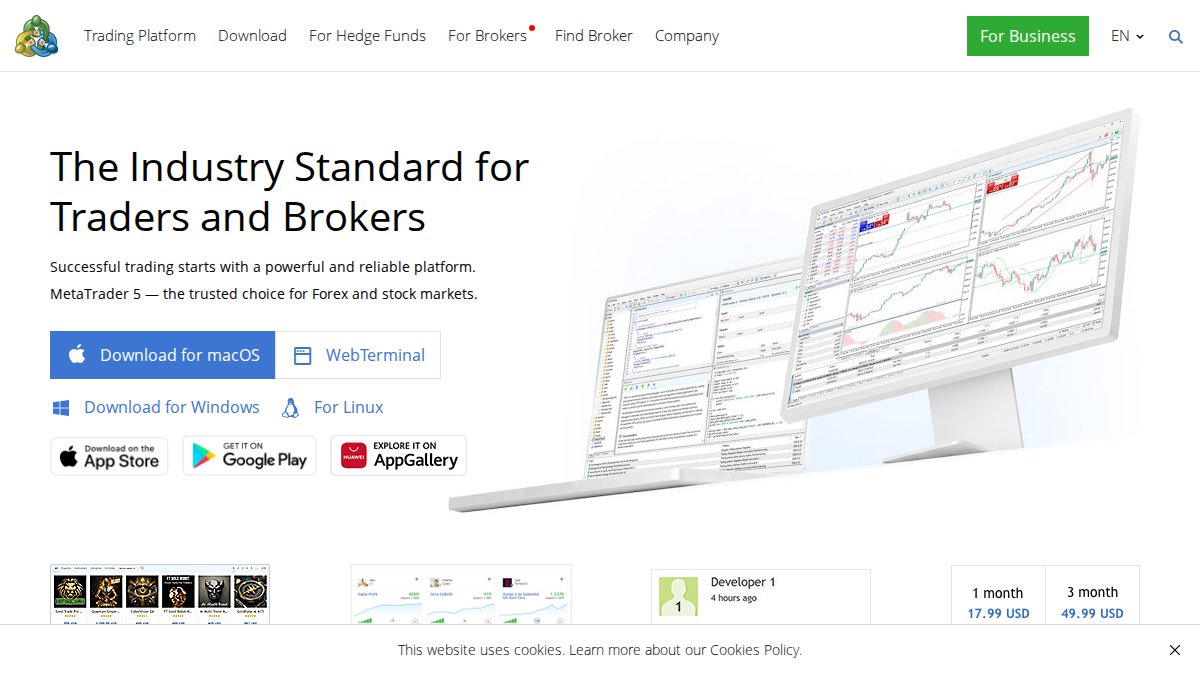
MT4 is the older platform, built around the MQL4 scripting language and expert advisors (EAs). MT5 is the more capable successor, supporting MQL5, more financial instruments, and a broader range of order types. For traders building custom algorithms, MT5 is the clear choice in 2026.
The strength of MetaTrader lies in its ecosystem. Thousands of pre-built EAs and indicators are available through the MQL5 marketplace. The platform supports full backtesting with historical data, paper account simulation, and direct broker connectivity via APIs.
Pros:
- Industry-standard platform with massive broker support
- Deep customization through MQL4 and MQL5 scripting
- Strong backtesting and strategy optimization tools
- Large community of developers and pre-built systems
Cons:
- Building custom EAs requires programming knowledge
- MT4 is aging; some brokers are phasing it out in favor of MT5
- Interface feels dated compared to newer platforms
The real difference between MT4 and MT5 comes down to asset coverage and order execution. MT5 handles stocks, futures, and options in addition to forex, while MT4 is primarily forex-focused. If you trade multiple markets, MT5 is the only logical choice.
3. TradingView, Best for Charting Tools and Cloud-Based Alerts
Charting quality separates TradingView from almost every competitor. The platform’s Pine Script language lets traders build custom indicators and strategies, then deploy cloud-based alerts that trigger webhooks to connected brokers.
TradingView is not a standalone execution platform. It works as a strategy layer that connects to brokers through integrations, making it best suited for traders who want advanced charting tools alongside automated signal delivery. The combination of technical analysis, real-time data, and cloud-based alerts makes it a strong complement to execution-focused platforms like MT5.
According to TradingView’s official platform documentation, the platform supports over 100 chart types and connects to dozens of brokers for semi-automated order routing.
Pros:
- Best-in-class charting tools with hundreds of built-in indicators
- Pine Script for custom strategy and indicator development
- Cloud-based alerts and webhook support for broker integration
- Clean, modern interface accessible from any browser
Cons:
- Not a direct execution platform; requires broker integration for live trading
- Advanced features locked behind higher subscription tiers
- Pine Script has a learning curve for non-programmers
4. TrendSpider, Best for AI-Assisted Technical Analysis
TrendSpider takes a different angle on automated trading. Rather than focusing on order execution, it focuses on removing human bias from technical analysis through machine learning models and automated pattern recognition.
The platform automatically draws trendlines, identifies chart patterns, and flags potential trade setups based on historical price behavior. This is genuinely useful for traders who spend hours manually marking up charts. TrendSpider handles that work automatically, freeing time for actual strategy decisions.
The AI trading assistant within TrendSpider can backtest strategies across multiple timeframes simultaneously, which most platforms handle one timeframe at a time. For traders who rely heavily on technical analysis, this multi-timeframe backtesting is a meaningful advantage.
Pros:
- Automated trendline drawing and pattern recognition
- Multi-timeframe backtesting with AI assistance
- Strong market analysis tools for stocks and forex
- Raindrop charts and other proprietary visualization tools
Cons:
- Primarily an analysis tool, not a full execution platform
- Higher price point than many comparable tools
- Less broker connectivity than MetaTrader or TradingView
Do not confuse analysis automation with trade execution automation. TrendSpider identifies setups and signals, but you still need a connected execution platform to place trades automatically. Skipping this step means manual entry on every signal, which defeats the purpose for most traders.
5. QuantConnect and TradersPost, Best for Backtesting and No-Code Bots
QuantConnect and TradersPost solve two different problems, but they belong in the same category: traders who want serious backtesting capability or no-code bot deployment without writing complex algorithms.
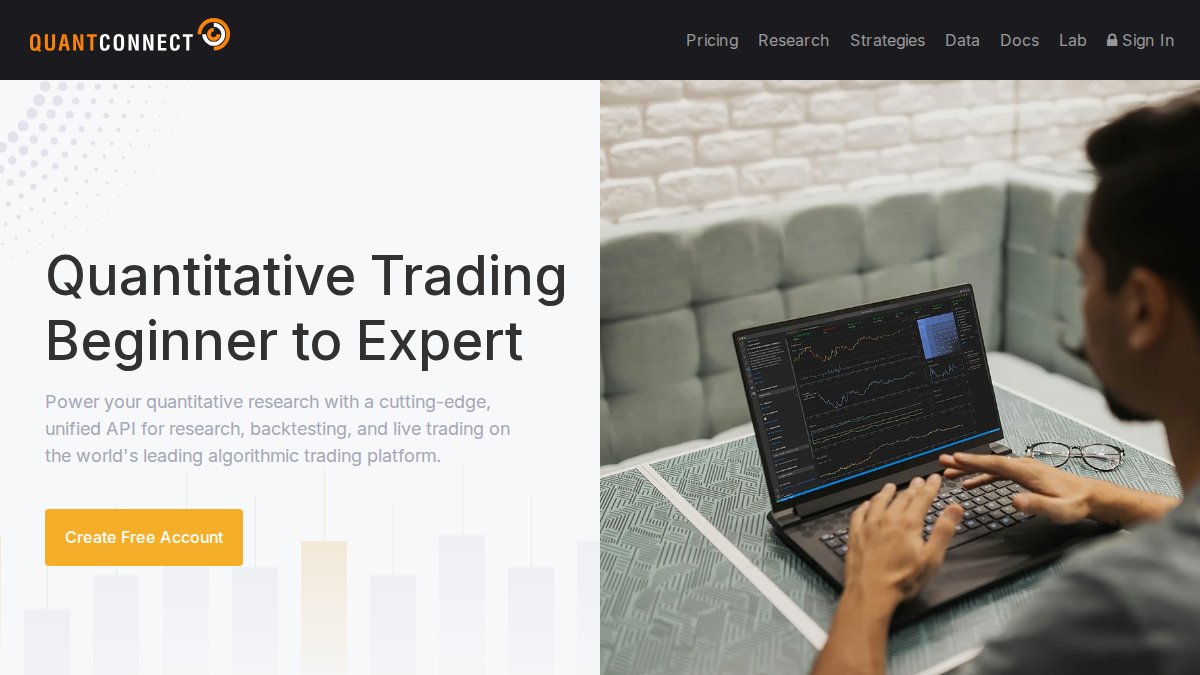
QuantConnect is an open-source algorithmic trading platform that supports Python and C# for strategy development. It gives traders access to extensive historical data for backtesting across stocks, crypto trading, futures trading, and options trading. The platform is genuinely powerful for quantitative traders who want to test machine learning models against real market data before going live.
TradersPost takes the opposite approach. It is built for traders who want to automate strategies using webhooks and signals from TradingView or other alert sources, with no coding required. The no-code bots connect directly to supported brokers and execute trades based on incoming signals automatically.
Pros (QuantConnect):
- Open-source with deep backtesting across multiple asset classes
- Supports Python and C# for custom algorithm development
- Strong community and documentation
Pros (TradersPost):
- No-code bot setup via webhooks
- Direct broker connectivity for automated execution
- Simple interface for non-technical traders
Cons:
- QuantConnect has a steep learning curve for non-programmers
- TradersPost depends on external signal sources like TradingView
- Neither platform offers pre-built, ready-to-run systems out of the box
For traders who want institutional-grade backtesting without the infrastructure cost, QuantConnect is one of the few legitimate options. As noted in QuantConnect’s research documentation, the platform provides access to tick-level data going back years for major asset classes, which is the foundation of any credible strategy validation process.
How to Choose the Best Automated Trading Software for Your Goals
The right automated trading platform depends entirely on what you are actually trying to accomplish, not on which platform has the longest feature list.

Start by answering three questions before looking at any platform: What markets do you trade? How much technical knowledge do you have? And how fast do you need to go from setup to live trading? The answers eliminate most options immediately.
Matching Software to Your Market: Forex, Crypto, Stocks, or Futures
Different markets have different platform requirements, and this is where many traders make a costly mismatch.
Forex trading is best served by MetaTrader 4, MetaTrader 5, and EZMT5’s MT5 systems. Broker support for MT4 and MT5 in the forex market is near-universal, and the execution infrastructure is purpose-built for currency pairs.
Crypto trading works well with QuantConnect and TradersPost, both of which support major crypto exchanges via API connections. TradingView also covers crypto markets with strong charting and alert tools.
Stock trading is where TrendSpider and QuantConnect shine. Both platforms have deep integration with equity market data, and QuantConnect’s backtesting library covers U.S. equities extensively.
Futures trading is supported by MT5, QuantConnect, and select TradersPost broker integrations. If futures are your primary market, verify broker connectivity before committing to any platform.
A practical decision framework:
- If you want instant access to professional systems with no coding: choose EZMT5
- If you need full algorithmic flexibility and broker choice: choose MT5
- If charting and signal generation are your priority: choose TradingView
- If you want AI-assisted pattern recognition: choose TrendSpider
- If backtesting depth matters most: choose QuantConnect
Security, Regulatory Considerations, and Risk Management
Security and regulatory compliance are areas most platform comparison guides skip. That is a mistake.
Automated trading systems interact directly with your broker account. A platform with weak API security or poor credential management creates real financial exposure. Before connecting any platform to a live account, verify that it uses encrypted API key storage and does not retain your broker login credentials.
On the regulatory side, the U.S. Commodity Futures Trading Commission’s guidance on automated trading makes clear that traders remain personally responsible for the behavior of automated systems, even when using third-party software. This means your risk management settings, including stop loss levels, maximum daily loss limits, and position sizing rules, must be configured by you, not left at defaults.
Practical risk management checklist for any automated trading platform:
- Set a maximum daily loss limit before running any live strategy
- Configure stop loss on every automated position, not just manually placed trades
- Test the strategy on a paper account for at least two weeks before going live
- Review P&L daily during the first month of live trading
- Confirm the platform’s API connection uses encrypted key storage
- Verify that your broker is regulated in your jurisdiction
The best automated trading software is only as safe as the risk parameters you set. No platform, regardless of how sophisticated its algorithms are, will protect your capital if you skip the risk management configuration step.
The question of which platform is "best" is ultimately less important than whether the platform fits your market, your skill level, and your timeline. A fully built, ready-to-run system beats a theoretically superior platform that takes months to configure.
Automated trading is only as effective as the system behind it, and most traders spend too long evaluating platforms instead of executing strategies. EZMT5 removes that delay entirely, giving traders immediate access to 11 professional, fully optimized MT5 Trading Systems and TradingView indicators, with two changeable license keys per system and no contract to worry about. If you are ready to stop researching and start trading with professional-grade tools, sign up with EZMT5 today and begin executing real-time trade opportunities from your first day.
Frequently Asked Questions
What is automated trading software and how does it work?
Automated trading software uses algorithms and pre-programmed rules to execute trades on your behalf across markets like forex, crypto, stocks, and futures. Once you define your strategy, including entry signals, stop loss, and take profit levels, the system monitors real-time data and places trades without manual input. Platforms like MT4, MT5, and TradingView support these systems through APIs, webhooks, and built-in scripting languages, enabling precise, emotion-free strategy execution around the clock.
Is automated trading software suitable for beginners?
It can be, depending on the platform. Some of the best automated trading software options, like EZMT5, are designed so traders can start immediately after download with fully built and optimized systems, no coding required. Beginners should look for platforms with paper account (demo) trading, clear documentation, and pre-built strategies. Avoid platforms that require deep programming knowledge unless you plan to build custom algorithms. Always test any system with a demo account before committing real capital.
What is the difference between backtesting and live automated trading?
Backtesting lets you run a trading strategy against historical market data to evaluate how it would have performed, without risking real money. Live automated trading executes those strategies in real-time against actual market conditions. Most serious platforms, including QuantConnect and MT5-based systems, support both. Backtesting is a critical step before going live, as it helps you identify flaws in your strategy's risk management, P&L profile, and signal accuracy before real capital is at stake.
How much does automated trading software typically cost?
Pricing varies widely. Some platforms like QuantConnect offer free tiers with limited features, while others charge monthly subscriptions. No-code bot platforms and signal services often range from $30 to $200+ per month. EZMT5 offers a no-contract monthly subscription with instant unlimited access to 11 professional MT5 trading systems and TradingView indicators, including all future systems, making it a cost-effective option for traders who want professional-grade tools without long-term commitment.
Can automated trading software work for forex, crypto, and stock trading?
Yes, many of the best automated trading software platforms support multiple financial instruments. MT4 and MT5 are widely used for forex trading and futures trading. TradingView and TrendSpider cover stocks and crypto with strong charting tools and cloud-based alerts. Crypto-specific bots like Zenbot target digital asset markets. The key is matching the platform to your target market, your broker's supported APIs, and your investment objectives before committing to any subscription or license.
This article was written using GrandRanker