

Table of Contents
- What Cloud-Based Automated Trading Solutions Actually Do
- Best Automated Trading Platforms for MT5
- Benefits of Cloud-Based Trading Systems
- How to Set Up Automated Trading on MT5
- Latency, Execution Speed, and Real-World Performance
- Security, Compliance, and Risk Management
- What Separates Winners from Failed Automated Trading Systems
- Conclusion
Last Updated: August 20, 2026
What Cloud-Based Automated Trading Solutions Actually Do
Cloud-based automated trading solutions execute buy and sell orders based on predefined rules without manual monitoring. These platforms use algorithmic logic to identify opportunities, enter positions, and manage exits with speed and precision that human traders cannot match.
The core value is straightforward: automation removes emotion from trading decisions and executes strategies consistently. You define your strategy once, deploy it to the cloud, and let it work while handling other responsibilities. The system monitors price action, technical indicators, and market volatility in real-time, triggering orders the moment your criteria are met.
What separates effective solutions from mediocre ones is execution speed and reliability. A strategy that works in backtesting can fail in live markets if latency is poor or infrastructure isn’t stable. Cloud infrastructure reduces latency, provides 99.9% uptime guarantees, and scales automatically during high-volume periods.
EZMT5 exemplifies this approach by offering fully built and optimized MT5 trading systems that deploy instantly without coding or weeks of testing. The platform provides real-time trade opportunities through pre-configured Expert Advisors and TradingView indicators, letting traders start automating strategies immediately after download.
Best Automated Trading Platforms for MT5
MetaTrader 5 remains the dominant platform for retail automated trading. Several solutions have emerged to simplify strategy deployment, each taking a different approach to getting professional-grade automated trading running without extensive technical knowledge.
EZMT5: Pre-Built Systems with Instant Deployment
EZMT5 delivers instant, unlimited access to 11 professional, fully built, and optimized MT5 trading systems plus all future systems released under your subscription. You download, configure your broker connection, and the systems begin trading with precision execution and improved entries and exits.
The platform’s flexibility stands out. You receive two changeable license keys per system, allowing deployment across multiple accounts or brokers without restrictions. The no-contract monthly subscription means you can cancel anytime, eliminating risk of long-term commitments to systems that don’t match your trading style.
Real-time trade opportunities arrive directly to your MT5 terminal as systems identify setups. Each system targets specific market conditions, some excel in trending markets, others in range-bound consolidation, and some focus on volatility breakouts. This diversification reduces drawdown and improves portfolio stability.
The systems come pre-optimized for different trading styles and timeframes. Rather than spending months backtesting and optimizing parameters, you inherit systems already refined through extensive testing.
TradeStation: Comprehensive Analysis and Automation
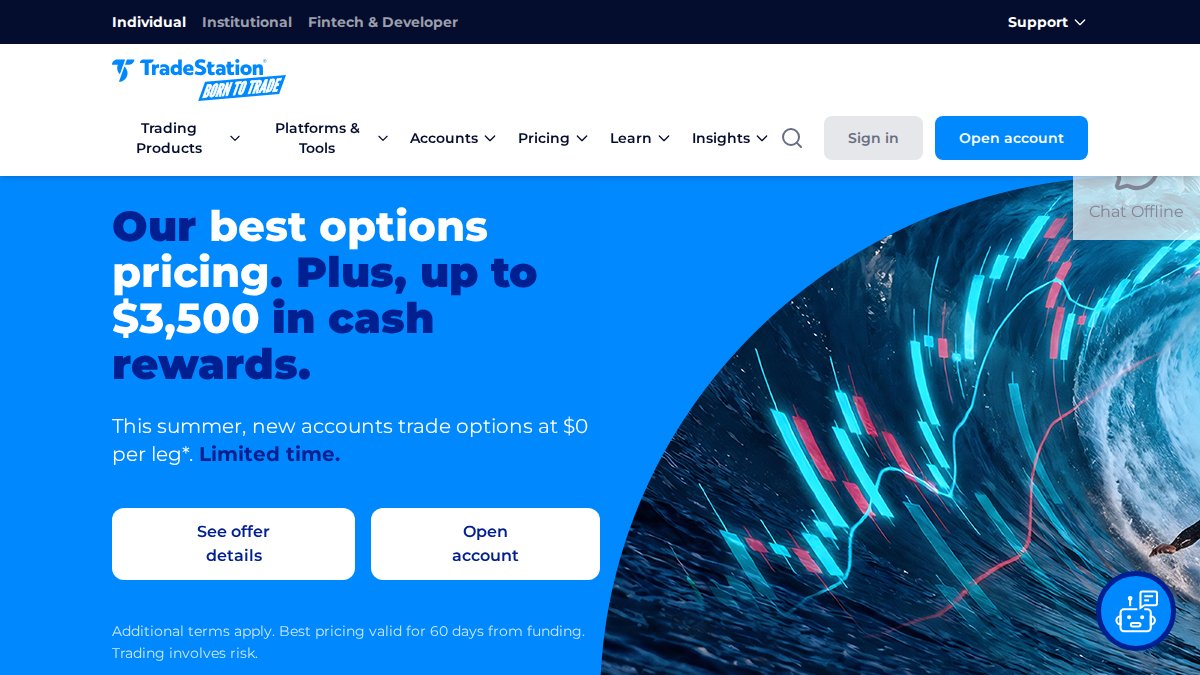
TradeStation caters to active traders who want both advanced charting and automated execution under one roof. The platform offers commission-free stock and ETF trading for US residents, with over 120 customizable indicators built into the charting suite.
You can build custom strategies using TradeStation’s proprietary language or deploy pre-built strategies from the community marketplace. The backtesting engine handles multiple asset classes including stocks, options, futures, and cryptocurrencies. Charts, backtesting, automation, and execution all live in the same interface, reducing friction between tools. However, a $10 monthly inactivity fee applies if you don’t meet minimum trading requirements, and options and futures carry per-contract fees.
NinjaTrader: Futures-Focused with Low Commissions
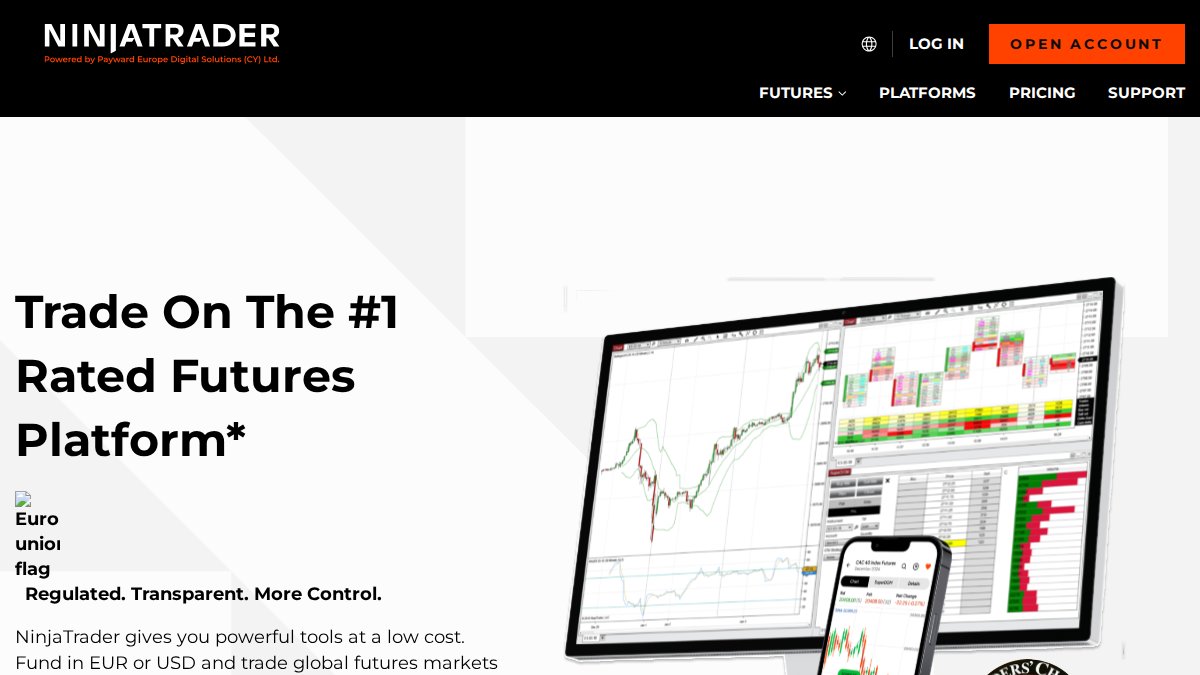
NinjaTrader dominates the futures trading space, particularly for Micro and E-mini contracts. The platform provides free access to advanced charting, analysis tools, and simulated trading, with competitive commissions starting at $0.39 per Micro contract.
Low margin requirements ($50 for Micro contracts, $500 for E-mini) make NinjaTrader accessible for smaller accounts. Volume-tiered commission structures reward higher trading activity, and the platform integrates directly with major futures exchanges including CME Group, Eurex, ICE, and Coinbase Derivatives. Automated trading uses NinjaScript, a C#-based programming language that creates a barrier for non-technical traders, though the active community provides numerous pre-built strategies.
QuantConnect: For Developers and Quants
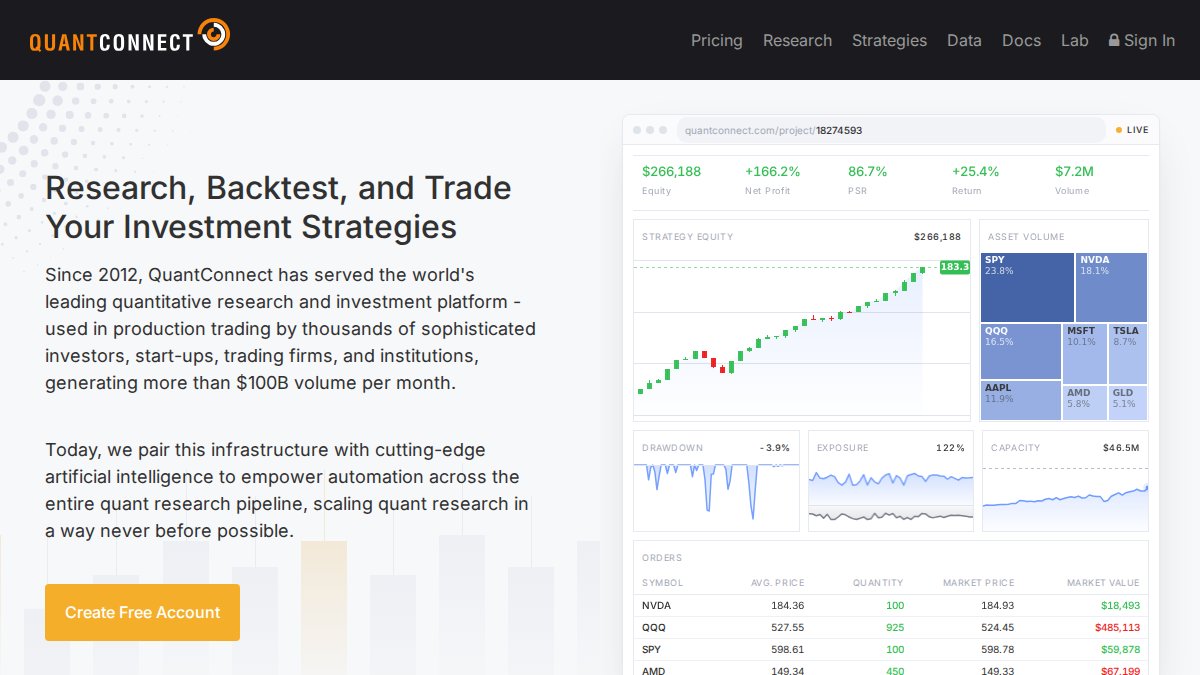
QuantConnect serves professional quants and developers comfortable with Python or C#. The platform provides cloud-based backtesting with access to over 400TB of historical data across equities, options, futures, forex, and cryptocurrencies.
The LEAN engine powers deterministic backtests that replicate live trading conditions with remarkable accuracy. Research notebooks enable interactive strategy prototyping, and the platform supports live trading across 20+ brokers. The free tier includes unlimited backtesting and community support, with paid tiers adding premium data feeds and increased compute resources. The learning curve is steep, but for quants who thrive on mathematical optimization, QuantConnect offers unmatched flexibility.
Benefits of Cloud-Based Trading Systems
Cloud-native infrastructure delivers tangible advantages over desktop-based trading. Cloud servers maintain 99.9% availability, meaning your strategies continue executing even during local internet outages. A desktop platform stops trading the moment your computer loses power or connectivity.
Cloud-based execution servers sit microseconds away from major exchange gateways, while retail traders connecting from home face 50-150ms latency. In fast-moving markets, this difference translates directly to execution quality, your orders fill at better prices because they arrive at the exchange faster.
Scalability becomes critical as your strategy portfolio grows. Cloud platforms automatically scale compute resources during high-volatility periods when trading volume spikes. Desktop systems often struggle under load, causing missed signals or delayed execution precisely when volatility creates the best opportunities.
Real-time data processing on cloud infrastructure means your automated strategies react to market movements instantly. Portfolio management across multiple strategies becomes simpler, with the platform aggregating positions, calculating portfolio-level drawdown, and applying risk limits across your entire account.
Security benefits compound with institutional-grade cloud infrastructure. Data encryption, redundant backups, and disaster recovery protocols protect your trading logic and account credentials far better than storing files locally.
How to Set Up Automated Trading on MT5
Setting up automated trading on MetaTrader 5 requires three sequential steps: platform installation, Expert Advisor deployment, and parameter configuration.
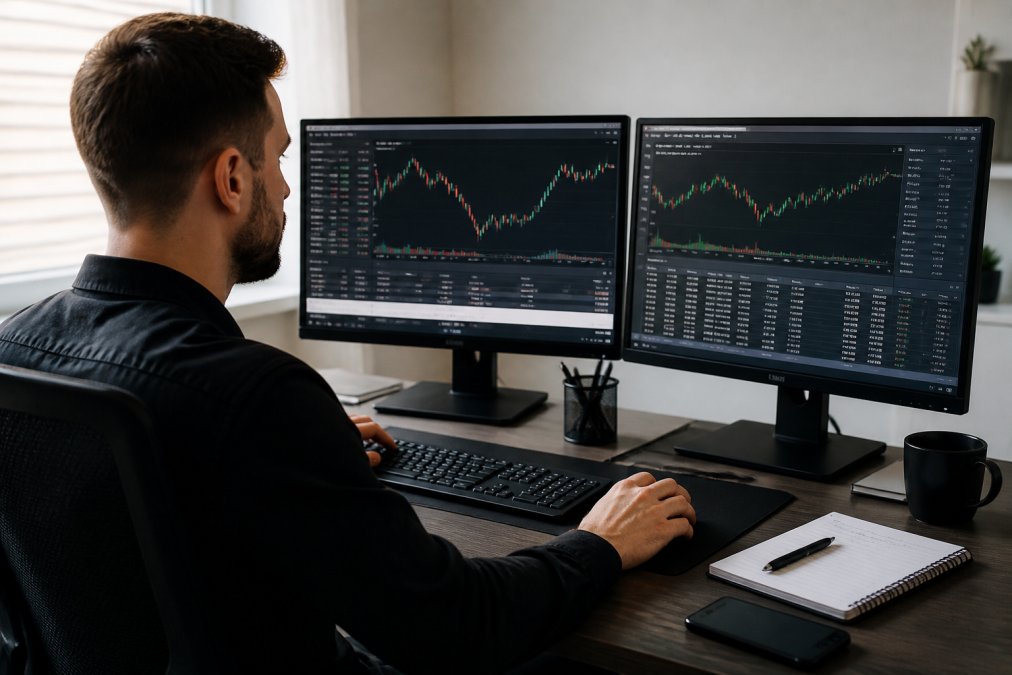
First, download and install MetaTrader 5 from your broker’s website. Create your trading account and verify that your account type supports automated trading, as some brokers restrict Expert Advisors on certain tiers.
Second, obtain your Expert Advisors and indicators. With EZMT5, you download the complete package of 11 pre-built systems immediately upon subscription. Copy these files to your MT5 Experts and Indicators folders:
- Windows: C:\Users[YourUsername]\AppData\Roaming\MetaQuotes\Terminal[TerminalID]\MQL5\Experts
- Mac: ~/Library/Application Support/MetaTrader 5/MQL5/Experts
Third, configure each system’s parameters to match your broker’s account type and risk tolerance. Adjust inputs like lot size, risk percentage per trade, maximum drawdown limits, and market session filters. Conservative traders typically start with 1-2% risk per trade.
Enable automated trading by clicking the "AutoTrading" button in MT5’s toolbar. Test on a demo account for 1-2 weeks to verify execution and monitor drawdown. Finally, transition to live trading with a small account size before scaling up gradually.
Latency, Execution Speed, and Real-World Performance
Latency is the silent killer of automated trading strategies. A strategy that performs beautifully in backtesting can underperform dramatically in live trading if order execution lags by even 100 milliseconds.
Cloud-based infrastructure reduces latency by positioning trading servers adjacent to major exchange gateways. This proximity means your orders arrive at the exchange in 1-5 milliseconds instead of 50-200 milliseconds. For high-frequency strategies, this difference determines profitability.
Run your automated system on a demo account and measure the time between when your strategy generates a signal and when the order executes. Compare this to your backtesting assumptions. If live latency is significantly higher, your strategy’s edge may disappear.
Execution speed also depends on broker infrastructure. Some brokers route orders through multiple intermediaries, adding latency. Others provide direct market access with minimal hops. EZMT5 systems are optimized for brokers offering tight execution, ensuring orders fill quickly when your criteria are met.
Security, Compliance, and Risk Management
Automated trading systems handle real money, making security non-negotiable. Your trading system must protect account credentials, trading logic, and execution authority from unauthorized access.

Cloud security protocols include multi-factor authentication, encrypted API connections, and audit logs tracking every trade. Your broker’s servers should maintain PCI-DSS compliance and conduct regular security assessments. Verify that your platform uses TLS 1.2 or higher for all data transmission.
Regulatory compliance varies by account type and broker. FINRA requires pattern day traders to maintain $25,000 minimum equity in margin accounts. Some brokers restrict automated trading on certain account types. Verify your broker’s specific rules before deploying systems.
Risk management features within your automated system are critical: maximum daily loss limits, maximum drawdown limits, position size controls, and correlation filters. EZMT5 systems include built-in drawdown protection designed for prop firm environments, preventing catastrophic losses during unexpected market moves.
Check your broker’s registration with the SEC and verify SIPC insurance coverage. This protects your account balance if the broker becomes insolvent.
What Separates Winners from Failed Automated Trading Systems
The difference between successful automated trading and devastating losses typically comes down to three factors: realistic expectations, proper backtesting methodology, and psychological discipline.
Successful traders understand that automated systems are not "set and forget" operations. Markets change, correlations shift, and strategies that worked brilliantly can fail in weeks when market regime changes. Winners monitor their systems weekly, reviewing trade logs and performance metrics.
Failed systems often result from overfitting during backtesting. A strategy optimized to trade the last three years perfectly might be completely unprofitable on new data. Proper backtesting uses out-of-sample testing, you optimize on one dataset and validate on completely separate historical data.
Psychological discipline separates winners from losers. Traders who abandon systems after a few losing trades never give strategies time to work. Conversely, traders who refuse to pause clearly broken systems compound losses into catastrophic drawdowns.
Winners also build portfolios of systems that trade different instruments, timeframes, and market conditions. This reduces drawdown and improves consistency. Finally, winners track costs ruthlessly. Commission, slippage, and spread costs compound across hundreds of trades. Calculate your strategy’s break-even slippage and commission costs before deploying capital.
Automated trading systems handle the mechanical execution that separates professional traders from retail traders struggling to keep up. The challenge isn’t finding a system that works, it’s finding one built on realistic assumptions and deployed with proper risk management.
EZMT5 eliminates the development phase entirely by providing 11 pre-built, optimized systems ready to deploy immediately. You avoid months of backtesting and optimization, instead focusing on monitoring performance, adjusting risk parameters, and knowing when to pause systems that no longer fit market conditions. Access to all future systems keeps your toolkit current as markets evolve. Get started with EZMT5 and begin automating your trading with professional-grade systems designed for real market conditions.
Frequently Asked Questions
Does automated trading actually work for retail traders?
Automated trading works when systems are properly backtested, deployed on reliable infrastructure, and monitored for market changes. Retail traders succeed with automated trading solutions when they choose platforms that offer real-time execution, proven risk management features, and transparent performance metrics. The key difference between systems that work and those that fail is whether they adapt to changing market volatility and maintain consistent execution speed across different market conditions.
What's the difference between cloud-based and VPS-based automated trading systems?
Cloud-native trading infrastructure processes orders server-side with built-in redundancy and automatic failover, eliminating the need for your personal computer to stay online. VPS-based systems require you to rent a virtual server and manage the connection yourself. Cloud-based solutions typically offer lower latency for order execution, automatic scaling during high trading volume, and integrated data security protocols. VPS requires more technical setup but may offer lower ongoing costs if you're comfortable managing infrastructure yourself.
How do I know if a cloud-based trading solution is secure?
Evaluate security by checking whether the platform encrypts data in transit and at rest, uses multi-factor authentication, segregates customer funds, and complies with SEC or FINRA regulations if applicable. Ask about their uptime guarantees, disaster recovery procedures, and whether they conduct regular security audits. Reputable platforms publish their security certifications and are transparent about how they protect API keys and trading credentials. Avoid platforms that store passwords in plain text or don't offer two-factor authentication.
Can I use the same automated trading system across multiple broker accounts?
Yes, if the platform supports multiple license keys or API connections. Many cloud-based solutions allow you to deploy the same strategy across different brokers by using separate API credentials for each account. This flexibility lets you diversify broker risk and test the same system in different trading environments. Check whether the platform charges per account or offers a flat subscription that covers multiple deployments, as this affects your total cost when scaling across accounts.
This article was written using GrandRanker