

Table of Contents
- Why MT5 Software Security Starts Before You Download
- How to Choose a Safe MT5 Broker
- How to Verify MT5 Trading Software Before You Buy
- MT5 Software Seller Red Flags to Watch For
- MT5 Expert Advisor Security Checklist
- Securing Your MT5 Account, Devices, and Withdrawals
- Conclusion
- Frequently Asked Questions
Last Updated: October 6, 2026
Why MT5 Software Security Starts Before You Download
Most trading losses tied to fraud happen before a single trade is placed. The problem starts with where you get your software and who holds your money.
MT5 software security is the practice of sourcing, installing, and running MetaTrader 5 only through verified channels, with a regulated broker and hardened account settings. It covers the broker, the download, the add-ons, and your devices.
Security is not one step. It is a chain, and the weakest link decides the outcome.
This guide walks through that chain in order: broker, software, sellers, add-ons, and account protection. Each section gives you a concrete check you can run today.
How to Choose a Safe MT5 Broker
The safest MT5 broker is one you can verify with a regulator, not one with the loudest marketing. Your broker holds your funds and executes your trades, so broker safety comes first.
Before you deposit anything, run two checks.
Check Registration With the CFTC and NFA
In the United States, retail forex brokers must register with the Commodity Futures Trading Commission and hold membership with the National Futures Association. Both bodies publish free lookup tools.
Here is how to verify a broker’s license directly, which most guides skip:
- Find the firm’s full legal entity name on its website footer
- Search that exact name in the NFA’s background affiliation status system
- Confirm the firm appears as a registered futures commission merchant or retail foreign exchange dealer
- Check the CFTC’s registration and disciplinary history for enforcement actions
- Call the NFA directly if the name does not match
A firm that lists a license number but fails this lookup is a hard stop. Walk away.
Confirm Fund Segregation and Negative Balance Protection
Client funds should sit in segregated accounts, separate from the broker’s own operating money. Ask the broker, in writing, how it holds client funds and which bank holds them.
Also confirm negative balance protection. This caps your losses at your account balance if the market gaps hard against you. Without it, you can owe the broker money.
A broker that dodges written questions about fund segregation is telling you something. The consequence is simple: if the firm fails, your money may be treated as a general creditor claim instead of a segregated deposit.
How to Verify MT5 Trading Software Before You Buy
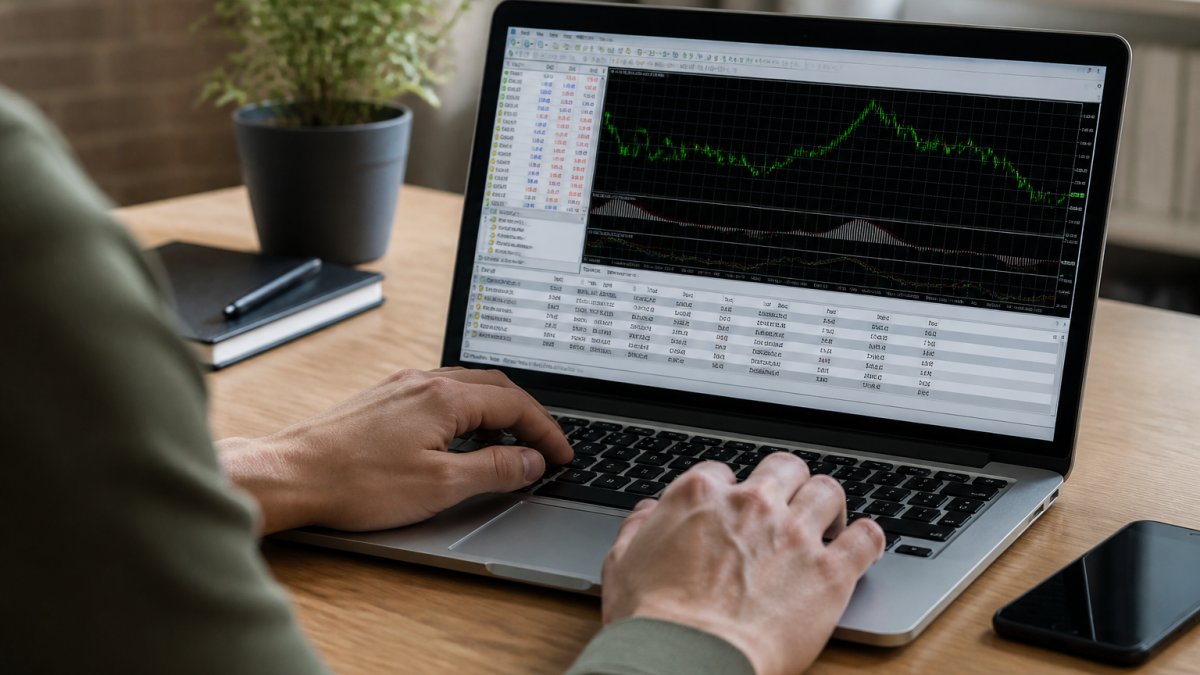
The only safe source for the MetaTrader 5 trading platform is the official developer site. Third-party mirrors often bundle unwanted code.
Download Only From Official Sources
Go straight to the official MetaTrader 5 download page. Never install MT5 from a link in an email, a forum post, or a random ad.
Check these before you click install:
- The site uses HTTPS with a valid certificate
- The download link points to the developer’s own domain
- The file name matches the official installer
- The version number is current
If a seller offers to send you the installer directly, decline. You can always download it yourself for free.
Check File Hashes and Digital Signatures
A digital signature proves the file came from the developer and was not altered. On Windows, right-click the installer, open Properties, and check the Digital Signatures tab. The signature should be valid and tied to the software publisher.
If the signature is missing, expired, or shows an unknown publisher, delete the file. This is one of the most useful security tips for buying MT5 trading software that most buyers never bother with.
MT5 Software Seller Red Flags to Watch For
Scam prevention starts with spotting pressure tactics early. Legitimate sellers let you take your time.
Watch for these signals:
- Urgency: “Only 3 licenses left at this price”
- Guaranteed returns or “risk-free” claims
- No refund terms or cancellation policy in writing
- Payment only by wire, crypto, or gift card
- No verifiable business name, address, or support channel
- A license key that arrives as a cracked or shared file
Any one of these is enough to pause. Two or more means stop.
Ask the seller one plain question: “Can I cancel and keep access until the end of my billing period?” A real business answers in one sentence. A scam avoids the question or changes the subject.
MT5 Expert Advisor Security Checklist
Expert Advisors and indicators run with real access to your account. That makes them a security decision, not just a strategy decision.
MQL5 code can place orders, read your balance, and in some cases call outside servers. Treat every EA like an app with your bank login.
What to Check Before Installing Any EA or Indicator
Run this list before any EA touches a live account:
- Source: bought from a known developer or a verified marketplace listing
- Permissions: the EA only needs trading access, not file or network access it cannot explain
- Reviews: check for complaints about withdrawals or account issues, not just profit screenshots
- Demo first: run it on a demo account for at least a few weeks
- Support: the developer answers questions before the sale, not just after
This is where EZMT5 takes a different approach. Our 11 fully built MT5 Trading Systems and TradingView indicators come from one source, so you are not vetting a dozen unknown developers. Every system includes two license keys you can change at any time, and all future systems are added to your access as they are released.
Securing Your MT5 Account, Devices, and Withdrawals
Account security is the last line of defense, and it is the one you control completely. A verified broker and a clean install still leave you exposed if your login is weak.
Strong Passwords, Two-Factor Authentication, and Recovery Plans
Use a unique password for your MT5 live account, never one you use elsewhere. Length matters more than symbols. A passphrase of four random words beats a short string of characters.
Turn on two-factor authentication wherever your broker offers it. This blocks most account takeover attempts even if your password leaks.
Then build a recovery plan before you need it:
- Store your broker’s support number somewhere offline
- Save your account number and server name
- Keep your registered email secure with its own strong password
- Know how to freeze withdrawals if you spot strange activity
For deposits and withdrawals, test small first. Send a small deposit, then request a small withdrawal before you fund the account fully. This confirms the broker pays out and shows you the real fees and timing.
Run a withdrawal test before you scale up. A broker that processes a small withdrawal quickly and without friction is far more likely to do the same with a large one.
Conclusion
The hard part of MT5 security is not any single step. It is doing all of them in order: verify the broker, download from the official source, vet every add-on, and lock down your account.
EZMT5 gives you a safer starting point. You get instant access to 11 professional, fully built MT5 Trading Systems and TradingView indicators, all future systems included, with no contract and two changeable license keys per system. You skip the guesswork of vetting unknown sellers one by one.
Signup Now
Frequently Asked Questions
How can I tell if MT5 trading software is safe to buy?
Check three things before buying. First, download MT5 only from the official MetaQuotes website or a regulated broker’s platform page. Second, verify the seller has a verifiable track record and does not ask for your account password. Third, scan any Expert Advisor or indicator file with antivirus software and confirm it comes from a known MQL5 source. If a seller pressures you to skip these steps, walk away.
What are the biggest MT5 software seller red flags?
The clearest red flags include guaranteed returns claims, requests for your MT5 account password, pressure to pay via wire transfer or cryptocurrency only, no refund policy, and sellers who cannot explain how their software works. A legitimate MT5 software seller will let you test on a demo account first and will never need direct access to your live account credentials.
Is it safe to share my MT5 account password with a software seller?
No. Your MT5 account password gives full access to your funds and open positions. No legitimate software seller needs it. Expert Advisors and indicators install locally on your MT5 terminal and communicate through the platform’s own API. If a seller asks for your password, that is a strong sign of a scam. Use investor (read-only) passwords if you need to share account performance data.
How do I verify an MT5 Expert Advisor before installing it?
Start by confirming the EA comes from a verified MQL5 Market listing or a seller with a public track record. Run it on a demo account for at least two to four weeks to observe behavior. Check that the EA file is an .ex5 compiled file, not a script asking for unusual permissions. Scan the file with antivirus software, and review what network connections it makes using a firewall monitor.