

Table of Contents
- Forex Trading Indicators vs Expert Advisors: The Core Difference
- Side-by-Side Comparison: Indicators and Expert Advisors
- Manual vs Automated Forex Trading: Which Fits Your Schedule
- Best Automated Trading Software for MT5 and TradingView
- How to Backtest Expert Advisors Before Going Live
- Latency, VPS Setup, and Execution Speed
- Conclusion
- Frequently Asked Questions
Last Updated: September 11, 2026
Forex Trading Indicators vs Expert Advisors: The Core Difference
Forex trading indicators vs expert advisors comes down to one question: do you want to interpret signals yourself, or let software act on them? Indicators are charting tools that visualize price and momentum; expert advisors are programs that read those same signals and place trades automatically.
Indicators tell you what the market is doing. Expert advisors decide what to do about it and execute without waiting for you. That single distinction shapes everything that follows.
Investor.gov resource on automated investing tools
What Technical Indicators Actually Do
Technical indicators are mathematical calculations applied to price and volume data that help traders read market trends and momentum. Moving averages, RSI, MACD, and Bollinger Bands all fall into this category. They compress thousands of price points into a line or level you can act on.
What most guides miss is that indicators never tell you to buy. They describe conditions. A crossover is a condition, not a command, and the trader supplies the judgment.
What Expert Advisors Actually Do
An expert advisor is a program written in MQL4 or MQL5 that monitors the market and executes trades according to predefined criteria, with no human intervention required (mql5.com). It reads indicators, applies your rules, and sends orders to the broker.
The advantage is consistency. An EA does not hesitate, second-guess, or widen a stop because the last trade hurt.
| Aspect | Technical Indicators | Expert Advisors |
|---|---|---|
| Output | Visual signals | Executed trades |
| Speed | As fast as you react | Milliseconds |
| Emotion | Fully exposed | Removed |
| Setup | Drag onto chart | Install and configure |
| Best For | Discretionary traders | Rule-based automation |
Side-by-Side Comparison: Indicators and Expert Advisors
They are not rivals. Indicators are inputs; expert advisors are decision engines that consume those inputs. A well-built EA is essentially a stack of indicators with logic attached.
The real difference shows up in execution speed and emotional load. Indicators leave both to you. An EA removes both from the equation, which matters most during volatile sessions when hesitation costs money.
The strongest setups use indicators for context and an EA for execution. You are not choosing between them so much as deciding how much of the loop you want to run yourself.
Manual vs Automated Forex Trading: Which Fits Your Schedule
Manual trading suits people who can watch charts during active sessions and enjoy the analysis. Automated trading suits people with day jobs, travel, or a preference for systems over screen time. But schedule is only the surface of the decision. The deeper differences show up in psychology, infrastructure, and how risk is enforced.
The psychological shift. Manual trading puts you inside every decision. That means you feel every loss, and the emotional load compounds across a session. A common pattern is that traders cut winners early and let losers run because the pain of a realized loss is sharper than the discomfort of an open one. Automation flips the role: instead of making decisions, you monitor a system. The new discipline is not clicking buy or sell, it is resisting the urge to intervene when the EA takes a trade you would not have taken. Most practitioners find the second skill harder than the first, because the temptation to override a live position is constant.
The infrastructure difference. Indicators require zero infrastructure. You open a chart, and the calculation runs on your platform. An EA that trades short timeframes needs a machine that stays online, close to the broker’s servers, with a stable connection. That is what a VPS provides. Running a scalping EA from a home connection during high volatility can produce slippage that never appears in a backtest, the strategy looks broken when the infrastructure is the problem. Budget for a VPS if you intend to run automation continuously; treat it as part of the strategy cost, not an optional extra.
How risk is enforced. In manual trading, risk control is a habit. You decide the stop, and you decide whether to honor it. In automated trading, risk control is a rule written into the code. That is a genuine advantage, an EA does not widen a stop because the last trade hurt, but it also means a poorly coded risk rule will execute faithfully and repeatedly. Before going live, confirm the EA enforces position sizing, maximum drawdown, and daily loss limits the way you intend.
A middle path. Many traders run indicators manually for context and let an EA handle execution on a defined setup. You keep the judgment where it adds value and hand off the repetition where it does not. That is not indecision; it is matching each tool to the part of the loop it does best.
A common mistake is assuming automation means abandoning analysis. It does not. You still choose the strategy, the risk parameters, and the market conditions where the system runs. The EA handles repetition, not thinking. (Source: expert advisor is a program written in MQL4 or MQL5)
FINRA investor alert on automated trading
Automation removes hesitation, not risk. An EA will execute a flawed strategy just as consistently as a sound one, and it will do so without the pause a human might take. Test the risk rules as carefully as the entry logic.
Best Automated Trading Software for MT5 and TradingView
MetaTrader 5 is the industry-standard environment for building, testing, and running expert advisors. It ships with the MQL5 language, a Strategy Tester that can run on real tick data, and a built-in economic calendar. EAs are distributed as compiled .ex4 (MT4) or .ex5 (MT5) files, which means you can run a system without ever seeing its source code, a real risk if you buy from an unknown vendor. Indicators in MT5 are .mq5 source files or compiled .ex5 files that draw on the chart and expose inputs you can tune.
TradingView leads on visual technical analysis and Pine Script strategy development. Its strength is fast iteration: you can write a Pine strategy, see it plot on the chart, and read the Strategy Tester report in the same tab. The limitation is execution. TradingView does not run a persistent EA on your broker account the way MT5 does; automated order routing depends on webhook alerts and a bridge, which adds a hop between the signal and the fill. For pure indicator work, screening, alerting, and visual backtesting, TradingView is hard to beat. For round-the-clock automated execution, MT5 is the more direct path.
A practical split many traders use: research and signal design in TradingView, execution and risk enforcement in MT5. That keeps the visual analysis where it is strongest and the order management where latency and reliability matter most.
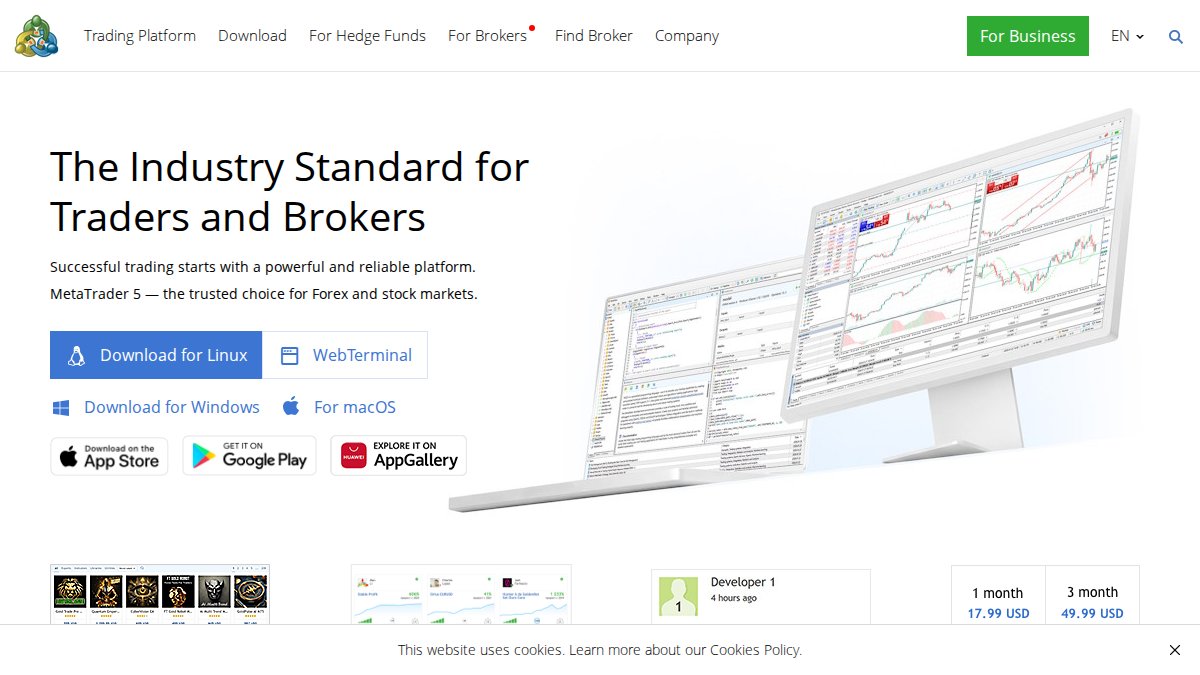
Before you run any third-party EA, check whether the vendor ships the `.mq5` source or only the compiled `.ex5`. Source gives you the ability to audit logic, change risk parameters, and confirm the strategy does what the marketing claims. Compiled-only files are a black box.
For traders who want pre-built systems rather than a development project, EZMT5 offers instant, unlimited access to 11 professional, fully built, and optimized MT5 Trading Systems and TradingView indicators, plus all future systems. Two license keys per system that can be changed anytime, all within a no-contract monthly subscription.
How to Backtest Expert Advisors Before Going Live
Backtesting is how you find out whether a strategy survives contact with historical data before it touches real money. In MT5, open the Strategy Tester, select your EA, choose a symbol and date range, and run it against tick data.
- Set realistic spreads and commission in the tester
- Test across at least two market regimes (trending and ranging)
- Check maximum drawdown, not just total return
- Run optimization, then re-test on out-of-sample data
- Forward-test on a demo account before funding live
The thing nobody tells you about backtesting is that a curve fit to the past will look flawless and still fail live. Out-of-sample testing is what separates a real edge from a coincidence.
Latency, VPS Setup, and Execution Speed
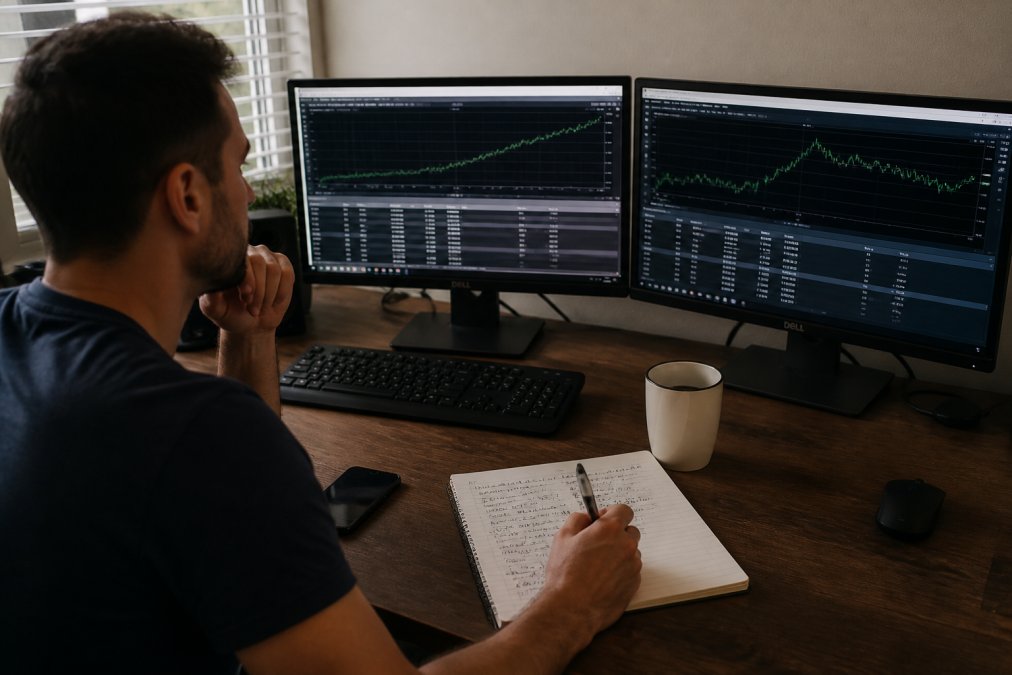
Execution speed decides whether your entry fills at the price your EA intended. Retail connections introduce latency that matters most around news releases and thin liquidity.
A VPS places your EA in a data center near the broker’s servers, cutting the round trip. For any strategy that trades short timeframes, this is not optional. It is the difference between the system you tested and the system you actually run.
Running a scalping EA from a home connection during high market volatility can produce slippage that never appears in backtests. The strategy looks broken when the infrastructure is the problem.
Conclusion
Automation does not remove risk, and no system replaces sound risk management and portfolio diversification. What it does remove is hesitation, fatigue, and the trades you talk yourself out of at 3 a.m.
If you want professional-grade tools without building them yourself, EZMT5 empowers serious traders with instant, unlimited access to 11 professional, fully built, and optimized MT5 Trading Systems and TradingView indicators, plus all future systems, enabling immediate and precise automated trading with improved entries and exits. Our service delivers real-time trade opportunities and professional-grade tools, allowing users to start trading like a pro right after download. What truly sets EZMT5 apart is the commitment to flexibility, offering two license keys per system that can be changed anytime, all within a no-contract monthly subscription. Signup Now.
Frequently Asked Questions
What is the fundamental difference between a forex indicator and an expert advisor?
An indicator reads price data and displays a visual signal on your chart, such as a moving average cross or an RSI reading. You still decide whether to trade. An expert advisor is a program written in MQL4 or MQL5 that reads those same signals and places orders automatically based on predefined criteria. Indicators analyze; expert advisors execute. Many traders use indicators to build the logic that an expert advisor then runs without human intervention.
Can expert advisors execute trades automatically without human intervention?
Yes. Once attached to a MetaTrader chart and enabled, an expert advisor monitors real-time data, applies its algorithmic logic, and sends orders to your broker without you clicking anything. You can still set risk limits, pause the EA, or close positions manually. Automated trading systems handle entry and exit points around the clock, which matters for forex pairs that move while you sleep.
Are expert advisors more profitable than manual trading with indicators?
Profitability depends on the strategy, market conditions, and risk management, not on whether a human or a program pulls the trigger. Automated systems remove emotion and execute faster, which can reduce slippage during volatile moves. Manual trading lets you adapt to news and unexpected events. Backtesting and forward testing on a demo account show how a specific expert advisor performs before you commit real capital.
How do I backtest expert advisors in MetaTrader 5?
Open the Strategy Tester in MT5, select your expert advisor, choose a currency pair and timeframe, and set the date range. Use tick data for the most accurate results. Run the test, then review the equity curve, drawdown, and profit factor. After backtesting, forward test on a demo account for at least a month. This two-stage process catches strategies that look good on historical data but fail in live conditions.
What are the risks of using automated expert advisors in forex?
Expert advisors can amplify losses when market volatility spikes beyond what the strategy was tested for. A poorly optimized EA may curve-fit to past data and fail in live markets. Technical risks include broker latency, VPS outages, and incorrect lot sizing. Always test on a demo account first, start with small position sizes, and monitor drawdown closely. No automated system removes risk entirely.