Algorithmic trading has fundamentally changed how professional traders interact with financial markets, and understanding what is algorithmic trading MT5 is the first step toward deploying it effectively. This guide from EZMT5 breaks down every layer of the system, from the core concepts to live deployment, risk management, and the Python API integration that most tutorials skip entirely. Below, we’ll show you exactly how to build, test, and run automated strategies on MetaTrader 5, including the two angles most guides ignore: debugging your EA when it misbehaves and keeping your account secure.
Here’s what most introductory guides get wrong: they treat algorithmic trading as a complexity problem when it’s actually a discipline problem. The platform handles execution. Your job is designing a strategy that survives real market conditions, not just a backtest.
According to MetaTrader 5 official platform documentation, MT5 supports trading across forex markets, stocks, futures, and CFDs from a single terminal, making it one of the most versatile environments for systematic trading available today.
What Is Algorithmic Trading in MT5 and How Does It Work?
Algorithmic trading is the practice of using pre-programmed rules to automatically execute buy and sell operations in financial markets without manual intervention. On MetaTrader 5, this means your strategy runs as code that monitors price analysis, evaluates conditions, and fires orders in milliseconds.
The process is straightforward in principle. You define entry and exit logic, attach it to a chart, and the platform handles trade execution from that point forward. The system removes emotional interference from the equation entirely, which is the single biggest practical advantage for most retail traders.
MetaTrader 5 supports three types of automated programs: Expert Advisors (EAs) for fully automated trading, indicators for visual price analysis, and scripts for one-time task execution. Each serves a different role in a trader’s toolkit.
How Trade Execution Is Automated on MetaTrader 5
Trade execution on MetaTrader 5 follows a clear sequence. The EA reads incoming price data tick by tick, evaluates whether the current market state matches your defined conditions, and submits orders directly to your broker’s server. The entire cycle typically completes in under a second.
The terminal communicates with the broker via a secure connection. Orders are placed using MQL5 functions like OrderSend(), which passes trade parameters including instrument, volume, price, stop loss, and take profit. The broker’s server validates the order and returns a confirmation or error code that your EA can handle programmatically.
This is where the discipline advantage becomes concrete. A manual trader hesitates, second-guesses, or misses an entry. An EA running on MetaTrader 5 executes the same logic at 2 AM on a Tuesday with the same precision as a Monday morning session. Systematic trading removes the variance that comes from human judgment under pressure.
Key Takeaway Automated trading on MT5 doesn’t make a bad strategy good. It makes a tested, validated strategy consistent. The platform is the execution layer, not the edge.
MT5 Expert Advisors: The Engine Behind Automated Trading
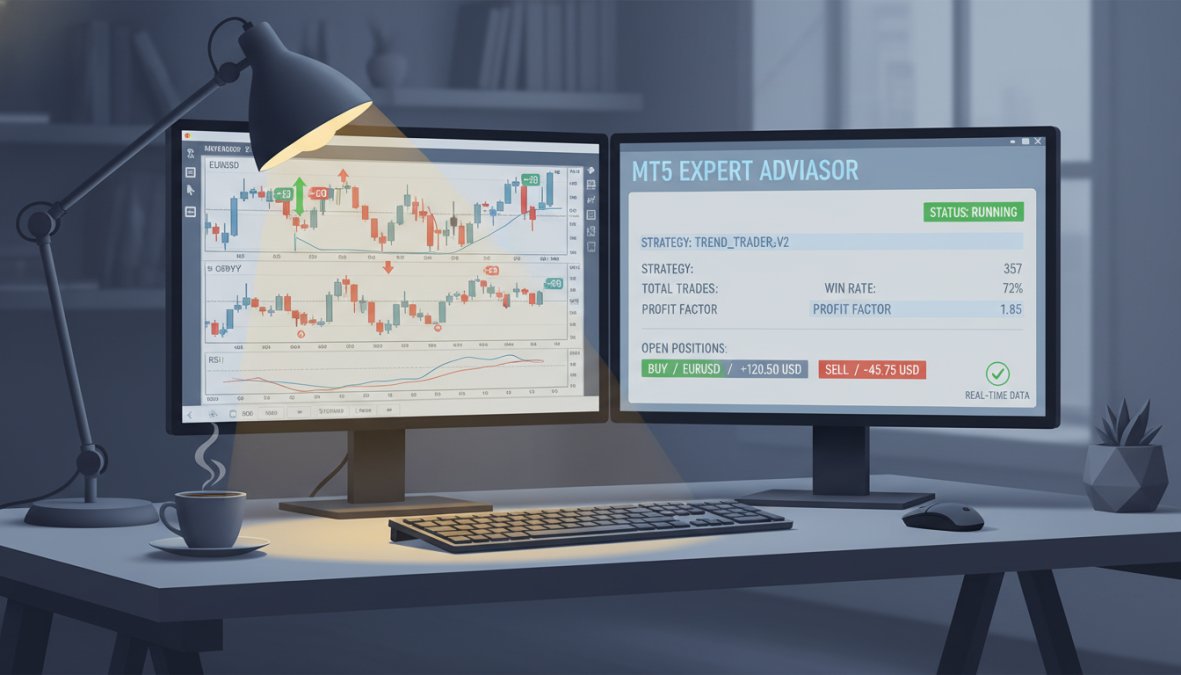
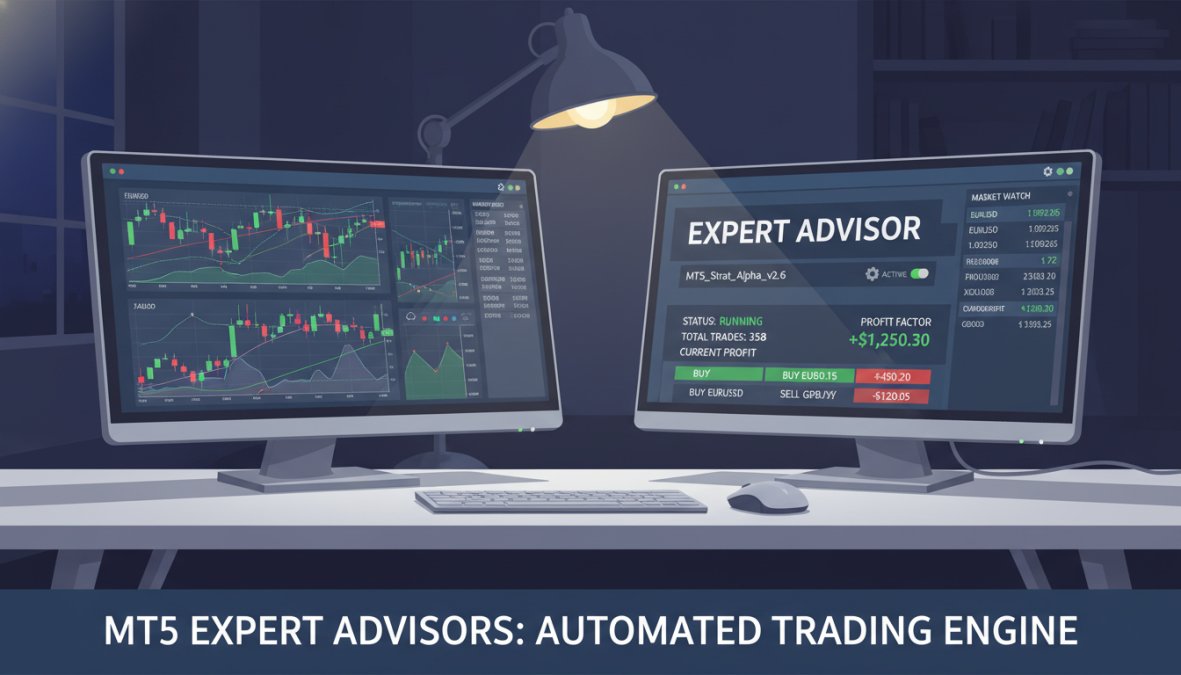
Expert Advisors are the core automation mechanism in MetaTrader 5. An EA is a compiled MQL5 program that attaches to a chart, runs continuously while the terminal is open, and executes trades based on your coded logic. Think of it as a trading robot permanently stationed at a specific instrument and timeframe.
Close-up of a trader's dual-monitor desk setup showing the MetaTrader 5 platform with live charts and an active Expert Advisor panel running, with green and red position indicators visible on screen, in a dimly lit home office with a single desk lamp casting warm light
EAs have access to the full MT5 API: price history, account information, open positions, pending orders, and real-time tick data. This makes them capable of running strategies from simple moving average crossovers to multi-symbol portfolio systems with dynamic position sizing.
The EA lifecycle consists of three main functions: OnInit() runs once at startup for initialization, OnTick() fires on every new price quote for trade logic, and OnDeinit() handles cleanup when the EA is removed. Understanding this structure is essential before writing a single line of MQL5.
How to Acquire or Deploy a Trading Robot in MT5
There are three practical paths to getting an EA running on your MT5 terminal.
Build your own using the MetaEditor IDE and MQL5 programming language. This gives you full control but requires coding knowledge.
Purchase from the MQL5 Marketplace, which hosts thousands of commercial and free Expert Advisors reviewed by the community.
Subscribe to a professional service like EZMT5, which provides instant access to 11 fully built and optimized MT5 Trading Systems, ready to deploy immediately after download with no coding required.
For traders who want to start trading without spending weeks learning MQL5, the third option is the most direct path to live automated trading. EZMT5’s systems come pre-optimized, include two license keys per system that can be changed at any time, and operate on a no-contract monthly subscription.
Deployment itself takes under five minutes: copy the .ex5 file into your MT5 Experts folder, restart the terminal, drag the EA onto a chart, configure your parameters, and enable automated trading.
How to Enable Algorithmic Trading in the MT5 Terminal
Enabling algo trading requires two steps that catch many new users off guard.
Step 1: Enable automated trading at the terminal level. Click the "Algo Trading" button in the main toolbar (it turns green when active). Without this, no EA will execute orders regardless of its own settings.
Step 2: Enable trading within the EA’s properties. When attaching an EA to a chart, the "Allow Automated Trading" checkbox must be selected in the Common tab.
If your EA is running but not placing trades, check both of these settings first. It’s the most common setup mistake and the one that wastes the most time.
Watch Out If your broker requires DLL imports for specific EA functionality, you must also enable “Allow DLL imports” in the EA properties. Only do this for EAs from sources you fully trust, malicious DLLs can access system resources outside the MT5 terminal.
MQL5 Programming Tutorial: Building Your First Strategy
Most traders approach MQL5 backwards. They try to code a complex strategy before understanding the language structure, then wonder why their EA doesn’t compile. Start with the simplest possible strategy, get it running on a demo account, and layer complexity from there.
A basic MQL5 EA structure looks like this:
#include <Trade\Trade.mqh>
CTrade trade;
void OnTick()
{
double fastMA = iMA(_Symbol, PERIOD_CURRENT, 10, 0, MODE_EMA, PRICE_CLOSE);
double slowMA = iMA(_Symbol, PERIOD_CURRENT, 50, 0, MODE_EMA, PRICE_CLOSE);
if(fastMA > slowMA && PositionsTotal() == 0)
trade.Buy(0.1, _Symbol);
else if(fastMA < slowMA && PositionsTotal() > 0)
trade.PositionClose(_Symbol);
}
This is a minimal moving average crossover system. It's not a profitable strategy on its own, but it demonstrates the core pattern: read indicators, evaluate conditions, execute orders.
### The MetaEditor and MQL5 Integrated Development Environment
MetaEditor is the Integrated Development Environment built directly into MetaTrader 5. Access it by pressing F4 in the terminal or clicking "Tools > MetaQuotes Language Editor."
The IDE includes a code editor with syntax highlighting, a built-in compiler, a debugger, and direct access to the MQL5 documentation library. The debugger is worth learning early. Setting breakpoints and stepping through your EA's logic in real time reveals errors that log files alone won't catch.
The MQL5 Wizard, accessible from File > New, generates boilerplate EA code based on your inputs. It's a useful starting point that saves the initial setup time. The wizard handles the function structure; you fill in the [trading](/optimized-mt5-trading-systems-review/) logic.
As documented in [MQL5 language reference documentation](https://www.docs.mql4.com), the MQL5 syntax is closely related to C++, which means developers with C++ experience will find the learning curve significantly shorter.
### Scripts and Indicators vs. Expert Advisors
The distinction matters because each program type behaves differently in the terminal.
| Program Type | Runs Continuously | Places Orders | Use Case |
|---|---|---|---|
| Expert Advisor | Yes | Yes | Fully automated trading strategies |
| Indicator | Yes | No | Price analysis and visual signals |
| Script | No (runs once) | Yes | One-time task execution |
Scripts are useful for batch operations: closing all positions, setting stop losses on existing trades, or running a one-time data export. Indicators feed data to EAs or provide visual context on the chart. EAs are the only program type designed for continuous automated trading.
---
## How to Backtest Strategies in MT5 Using the Strategy Tester
The Strategy Tester is where you find out whether your idea actually works, and it's the most underused feature in MT5. Many traders skip backtesting entirely and go straight to live trading. That's the fastest way to lose capital on an untested hypothesis.
Access the Strategy Tester via View > Strategy Tester or Ctrl+R. Select your EA, instrument, timeframe, date range, and initial deposit, then choose between three modeling modes: Every Tick (most accurate, slowest), Every Tick Based on Real Ticks (uses real historical tick data), and Open Prices Only (fastest, least precise).
For serious strategy development, "Every Tick Based on Real Ticks" is the correct choice. Open Prices Only is acceptable for initial screening but will miss intra-bar behavior that affects real trade execution.
A common mistake is backtesting over too short a period. A strategy that looks profitable over three months may simply have benefited from a trending market. Test across multiple years and multiple market regimes, including high-volatility periods and flat, ranging conditions.
### Optimization: Tuning Your EA for Better Performance
Optimization runs your EA across a range of parameter values to identify combinations that produce the best results on historical data. The Strategy Tester's optimization tab handles this automatically.
The process works as follows:
1. Define the parameters you want to test (e.g., fast MA period from 5 to 20, step 1)
2. Select an optimization criterion (maximize profit factor, minimize drawdown, etc.)
3. Run the optimization and review the results table
4. Select the parameter set that balances performance with robustness
Here's the part nobody tells you about optimization: the best-performing parameter set in a backtest is almost never the best-performing set in live trading. Overfitting is the real risk. Look for parameter ranges where performance is consistently good across many nearby values, not a single spike at one specific combination.
<div style="margin:1.5rem 0; padding:16px 20px; background-color:transparent; border-left:4px solid #e5e7eb; border-radius:0 8px 8px 0;">
<strong style="display:block; margin-bottom:4px; color:#111827; font-size:14px;"> Pro Tip</strong>
<span style="color:#374151; font-size:15px; line-height:1.6;">Run a forward test after optimization. Take the parameters identified in your historical optimization and test them on a separate, more recent data period that was not included in the optimization range. If performance collapses, the strategy is overfit.</span>
</div>
---
## Algorithmic Trading vs Manual Trading: Which Is Right for You?
The popular framing of this question is wrong. It's not a binary choice between algo trading and manual trading. It's a question of where automation adds value in your specific workflow.
Automated trading on MetaTrader 5 excels at high-frequency execution, multi-symbol monitoring, and eliminating emotional interference from rule-based strategies. A well-coded EA will never move a stop loss because a trade "looks like it's turning around." That discipline alone justifies automation for many traders.
Manual trading retains an edge in highly discretionary environments where context matters more than rules. Reading order flow, reacting to breaking news, or trading around macroeconomic events involves judgment that's difficult to codify. Many professional traders use automated execution for entries and exits while making discretionary decisions about which setups to activate.
| Dimension | Algorithmic Trading | Manual Trading |
|---|---|---|
| Execution speed | Milliseconds | Seconds to minutes |
| Emotional discipline | Complete | Variable |
| Multi-instrument monitoring | Unlimited | Practically limited |
| Adaptability to new conditions | Requires recoding | Immediate |
| Backtestability | Full historical testing | Limited |
| Setup time | Higher upfront | Lower upfront |
The honest answer: for systematic, rule-based strategies, automation wins. For discretionary, context-dependent trading, manual execution often wins. Most serious traders end up using both.
---
## Risk Management, Security, and Running Your Robot 24/7
Automated trading amplifies both gains and losses. An EA that runs without proper risk controls will execute its logic perfectly while blowing up your account. Risk management is not optional; it's the most important design decision in any trading system.
Every EA should implement the following risk parameters as a minimum:
- **Maximum lot size per trade**, calculated as a percentage of account equity
- **Maximum daily drawdown limit**, after which the EA stops trading for the day
- **Stop loss on every position**, hard-coded, not optional
- **Maximum simultaneous open positions**, to prevent overexposure on correlated instruments
- **Slippage tolerance**, especially for fast-moving forex markets
A professional trader reviewing trade performance data on a laptop, with a notepad showing handwritten risk parameters including max lot size and daily drawdown limits beside a cup of coffee on a clean wooden desk in a well-lit home office
The most common risk management failure is position sizing that scales with winning streaks. Traders increase lot sizes after a run of wins, then a single losing trade wipes out multiple periods of gains. Keep position sizing systematic and tied to account equity, not recent performance.
### Using a VPS to Keep Your EA Running Around the Clock
Your EA only trades when MetaTrader 5 is running and connected to your broker. If your home computer shuts down, loses internet, or restarts for updates, your EA stops. For strategies that trade during Asian or European sessions when you're asleep, this is a serious problem.
A Virtual Private Server (VPS) solves this. A VPS is a remote server that runs continuously, hosting your MT5 terminal and EAs 24 hours a day, 7 days a week. Most forex brokers offer VPS hosting, and independent providers are widely available.
When selecting a VPS for MT5 trading, prioritize low latency to your broker's server over raw processing power. A server geographically close to your broker's data center will execute orders faster than a high-spec machine on the other side of the world.
As covered in [guidance on VPS hosting for trading platforms](https://www.investopedia.com), latency below 10ms to your broker's server is the practical target for most retail algorithmic trading setups.
### Security Best Practices and DLL Import Risks
Security is the angle that almost every MT5 guide skips, and it's genuinely important.
**DLL imports** allow EAs to call functions from external `.dll` files, which can extend functionality significantly. The risk is that a malicious DLL can access your file system, network connections, and system resources outside the MT5 sandbox. Only enable DLL imports for EAs from developers you have thoroughly vetted.
Additional security practices for MT5 automated trading:
- Use a dedicated trading account with only the capital you intend to automate. Never run EAs on your primary funded account without extensive testing.
- Enable two-factor authentication on your broker account.
- Review EA source code before compiling, if available. If you're running a compiled `.ex5` without source access, you're trusting the developer completely.
- Keep MT5 and Windows updated. Outdated software is the most common attack vector on trading machines.
- Use a VPS provider with DDoS protection and regular backups.
---
## What Is Algorithmic Trading in MT5 Without Coding? Python API and Ready-Made Systems
Understanding what is algorithmic trading MT5 doesn't require you to write a single line of MQL5. Two practical alternatives exist for traders who want automation without deep programming knowledge.
**The Python API** for MetaTrader 5 allows Python scripts to connect to a running MT5 terminal, retrieve market data, and execute trades programmatically. This is particularly useful for quantitative trading researchers who are comfortable with Python's data science ecosystem (pandas, NumPy, scikit-learn) but have no interest in learning MQL5.
The MT5 Python integration works by running a local MT5 terminal alongside your Python environment. The `MetaTrader5` Python package connects to the terminal via a local socket. You can pull historical price data, submit orders, and monitor positions entirely from Python. The limitation is that Python scripts don't run inside the terminal, so they require an always-on Python environment in addition to the MT5 terminal.
For traders who want neither MQL5 nor Python, ready-made systems are the most direct path. EZMT5 provides instant, unlimited access to 11 professional MT5 Trading Systems and TradingView indicators, all fully built and optimized, with real-time trade opportunities delivered immediately after download. Two license keys per system, changeable at any time, and no contract commitment means you can start trading like a professional without writing a single line of code.
The practical difference between building your own EA and using a pre-built system comes down to time and expertise. A trader with a working strategy and MQL5 knowledge should build their own. A trader who wants to automate entries and exits with professional-grade tools today, not after six months of development, is better served by a proven ready-made system.
For deeper context on the Python integration approach, [Python for MetaTrader 5 integration guide](https://www.pypi.org) covers the full API reference and connection setup in detail.
<div style="margin:1.5rem 0; padding:16px 20px; background-color:transparent; border-left:4px solid #e5e7eb; border-radius:0 8px 8px 0;">
<strong style="display:block; margin-bottom:4px; color:#111827; font-size:14px;"> Pro Tip</strong>
<span style="color:#374151; font-size:15px; line-height:1.6;">If you're using the Python API for backtesting, be aware that the MT5 Python library pulls data from the terminal's local cache. Ensure your terminal has downloaded sufficient historical data for your test period before running Python-based backtests.</span>
</div>
---
**Comparison: MT5 Automation Approaches**
| Approach | Coding Required | Runs 24/7 in Terminal | Best For |
|---|---|---|---|
| Custom MQL5 EA | Yes (MQL5) | Yes | Full custom strategy control |
| Python API | Yes (Python) | Requires always-on Python env | Quant researchers, data scientists |
| Ready-made EA (e.g., EZMT5) | No | Yes | Immediate deployment, no dev time |
| Manual with indicators | No | No | Discretionary traders using signals |
---
The biggest barrier to algorithmic trading on MT5 is not the platform, it's the gap between having a strategy idea and having a running, tested, risk-managed system. Building that system from scratch takes months. Deploying a professional ready-made system takes minutes.
EZMT5 bridges that gap directly. With instant access to 11 fully optimized MT5 Trading Systems, two changeable license keys per system, and a no-contract subscription, you can move from concept to live automated trading without the development overhead. Get started with EZMT5 and begin executing trades with professional-grade precision today.
<section style="margin:3rem 0 2rem 0;" itemscope itemtype="https://schema.org/FAQPage">
<h2 style="font-size:1.5rem; font-weight:700; margin:0 0 4px 0;">Frequently Asked Questions</h2>
<div style="padding:20px 0; border-bottom:1px solid #e5e7eb;" itemscope itemprop="mainEntity" itemtype="https://schema.org/Question">
<h3 style="font-size:1.1rem; font-weight:600; margin:0 0 8px 0;" itemprop="name">Is algorithmic trading allowed on MT5?</h3>
<div style="line-height:1.7; font-size:0.95rem;" itemscope itemprop="acceptedAnswer" itemtype="https://schema.org/Answer">
<p itemprop="text" style="margin:0;">Yes, algorithmic trading is fully supported and legal on MetaTrader 5. The platform is built with automation in mind, offering native support for Expert Advisors, MQL5 scripting, and a dedicated strategy tester. You simply need to enable the 'Algo Trading' button in the terminal toolbar and ensure your broker permits automated trade execution. Most regulated Forex and CFD brokers that offer MT5 allow EA-based trading without restrictions.</p>
</div>
</div><div style="padding:20px 0; border-bottom:1px solid #e5e7eb;" itemscope itemprop="mainEntity" itemtype="https://schema.org/Question">
<h3 style="font-size:1.1rem; font-weight:600; margin:0 0 8px 0;" itemprop="name">Do I need to know how to code for MT5 algorithmic trading?</h3>
<div style="line-height:1.7; font-size:0.95rem;" itemscope itemprop="acceptedAnswer" itemtype="https://schema.org/Answer">
<p itemprop="text" style="margin:0;">No, coding knowledge is not required to use algorithmic trading in MT5. You can purchase or download pre-built Expert Advisors from the MQL5 marketplace or use a service like EZMT5, which provides fully built and optimized MT5 trading systems ready to deploy immediately after download. If you want to build custom strategies, learning MQL5 through the MetaEditor IDE is an option, but it is entirely optional for traders who prefer ready-made solutions.</p>
</div>
</div><div style="padding:20px 0; border-bottom:1px solid #e5e7eb;" itemscope itemprop="mainEntity" itemtype="https://schema.org/Question">
<h3 style="font-size:1.1rem; font-weight:600; margin:0 0 8px 0;" itemprop="name">What programming language does MT5 use for algorithmic trading?</h3>
<div style="line-height:1.7; font-size:0.95rem;" itemscope itemprop="acceptedAnswer" itemtype="https://schema.org/Answer">
<p itemprop="text" style="margin:0;">MetaTrader 5 uses MQL5 as its native programming language for algorithmic trading. MQL5 is a C++-based language designed specifically for developing Expert Advisors, custom indicators, and scripts within the MetaEditor IDE. MT5 also supports a Python API, which allows quantitative traders to connect external Python scripts to the platform for more advanced data analysis, strategy development, and automated buy and sell operations across financial instruments.</p>
</div>
</div><div style="padding:20px 0; border-bottom:1px solid #e5e7eb;" itemscope itemprop="mainEntity" itemtype="https://schema.org/Question">
<h3 style="font-size:1.1rem; font-weight:600; margin:0 0 8px 0;" itemprop="name">Is MT5 better than MT4 for algorithmic trading?</h3>
<div style="line-height:1.7; font-size:0.95rem;" itemscope itemprop="acceptedAnswer" itemtype="https://schema.org/Answer">
<p itemprop="text" style="margin:0;">MT5 offers several advantages over MT4 for algorithmic trading. It supports more financial instruments including stocks and futures, provides a multi-threaded strategy tester for faster back-testing and optimization, and includes a more powerful MQL5 language compared to MQL4. MT5 also features a built-in economic calendar, more timeframes, and a Python API for integration with external tools. For serious systematic trading, MT5 is generally considered the stronger platform.</p>
</div>
</div><div style="padding:20px 0; border-bottom:1px solid #e5e7eb;" itemscope itemprop="mainEntity" itemtype="https://schema.org/Question">
<h3 style="font-size:1.1rem; font-weight:600; margin:0 0 8px 0;" itemprop="name">How do I start algorithmic trading on MetaTrader 5?</h3>
<div style="line-height:1.7; font-size:0.95rem;" itemscope itemprop="acceptedAnswer" itemtype="https://schema.org/Answer">
<p itemprop="text" style="margin:0;">To start algorithmic trading in MT5, first obtain an Expert Advisor, either by coding one in MQL5 using MetaEditor or by using a ready-made system. Next, enable algorithmic trading by clicking the 'Algo Trading' button in the MT5 toolbar. Attach the EA to a chart, configure its parameters, and run a backtest using the Strategy Tester to validate performance. For live trading, consider deploying on a VPS to ensure your robot runs 24/7 without interruption.</p>
</div>
</div><div style="padding:20px 0; border-bottom:1px solid #e5e7eb;" itemscope itemprop="mainEntity" itemtype="https://schema.org/Question">
<h3 style="font-size:1.1rem; font-weight:600; margin:0 0 8px 0;" itemprop="name">How much does it cost to start algorithmic trading on MT5?</h3>
<div style="line-height:1.7; font-size:0.95rem;" itemscope itemprop="acceptedAnswer" itemtype="https://schema.org/Answer">
<p itemprop="text" style="margin:0;">MetaTrader 5 itself is free to download and use through a broker. The main costs involve obtaining Expert Advisors, free EAs are available on the MQL5 community, while premium systems vary in price. Services like EZMT5 offer a no-contract monthly subscription giving instant access to 11 professional MT5 trading systems plus all future systems, with two license keys per system. Additional costs may include a VPS for 24/7 operation and your broker's trading spreads or commissions.</p>
</div>
</div>
</section>